Morrisson
1 seat $29
One-time payment, plus applicable taxes.
- Native app for macOS, Windows and Linux
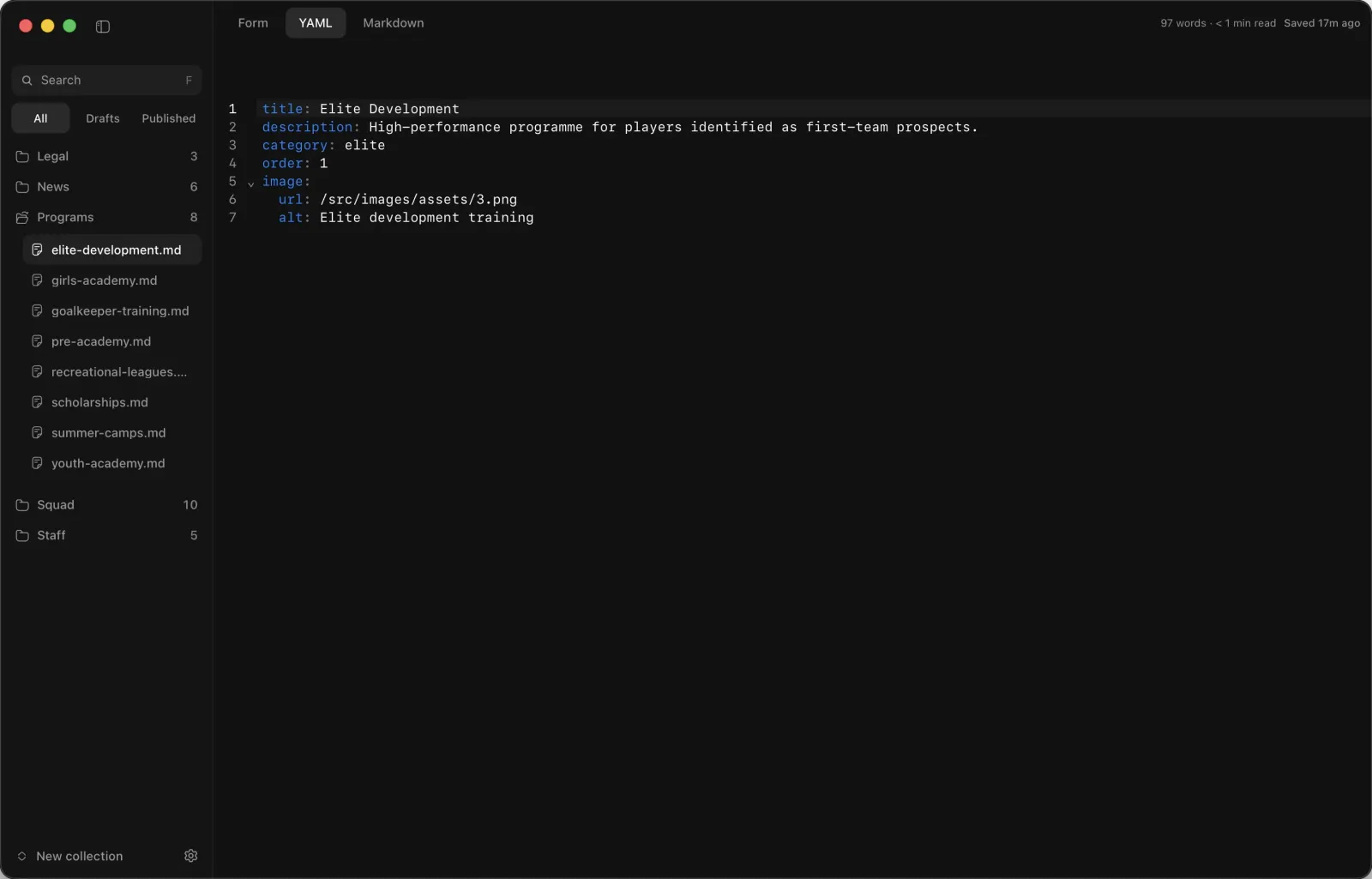
- Frontmatter forms and Markdown editor
- Publish with preflight, no terminal
- Lifetime access and updates
- macOS
- Windows
- Linux
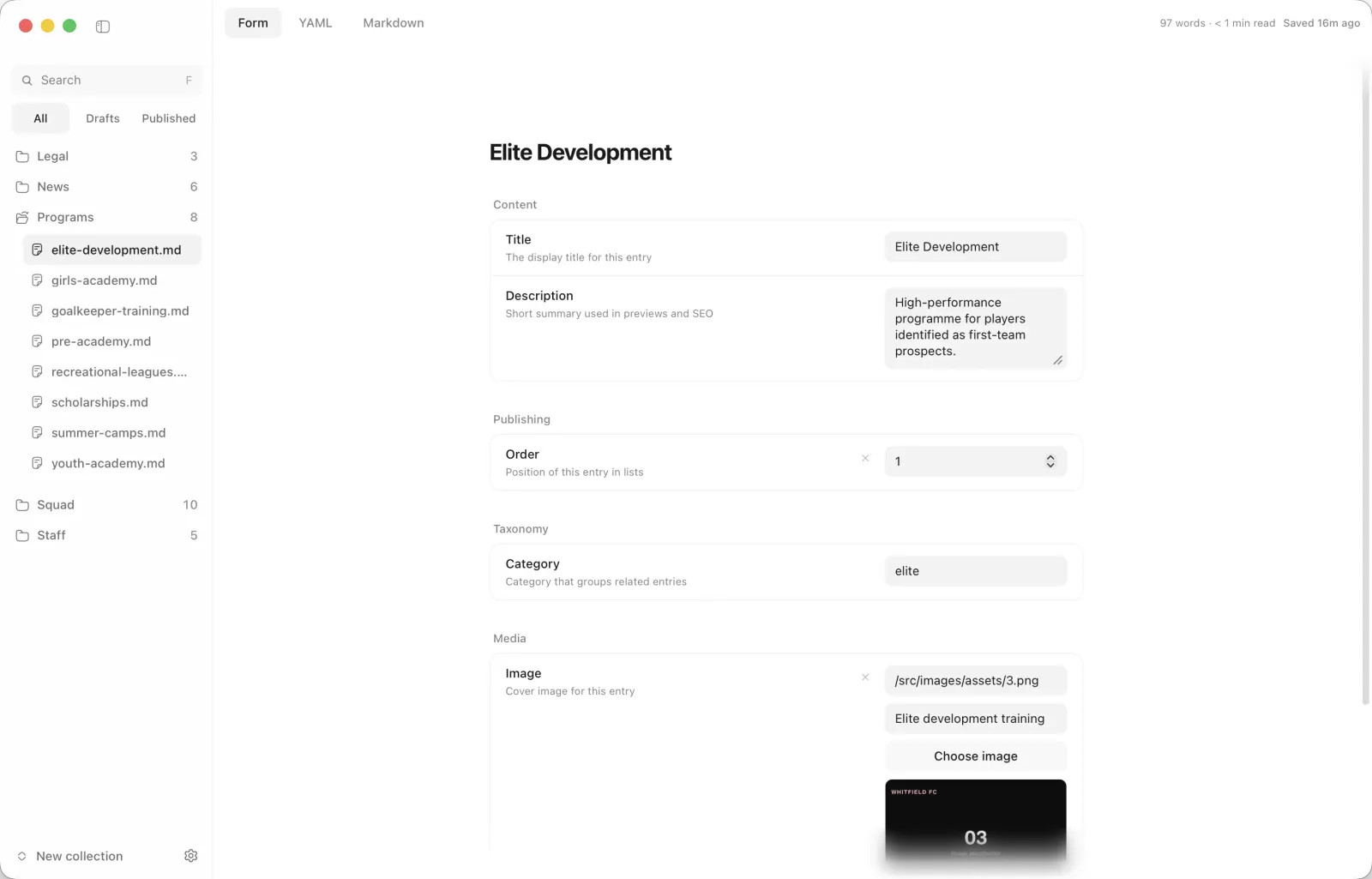
A desktop editor for macOS, Windows, and Linux: frontmatter forms, Markdown, autosave, and Git-friendly publishing. Lightweight native app (~15 MB).
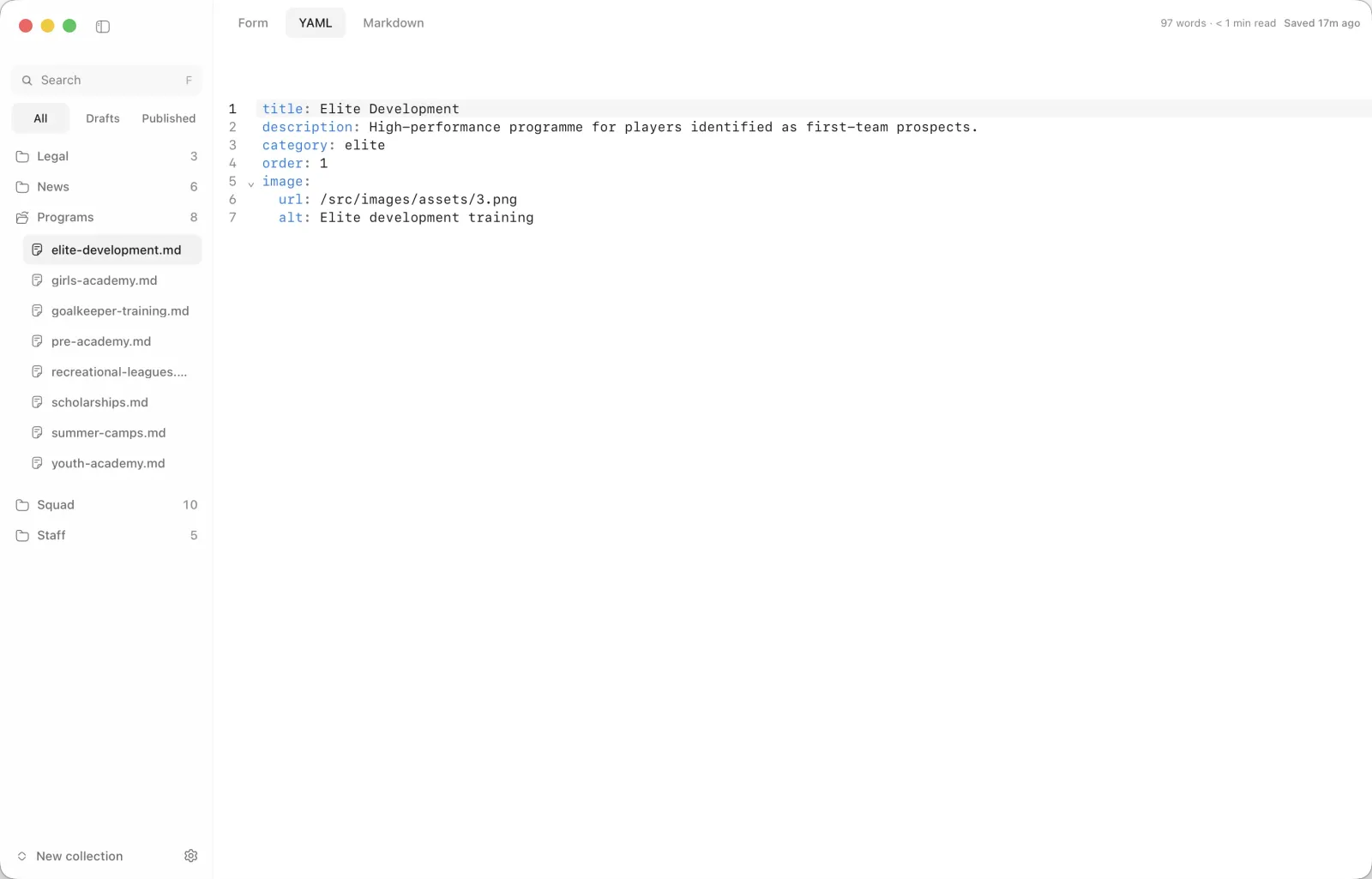
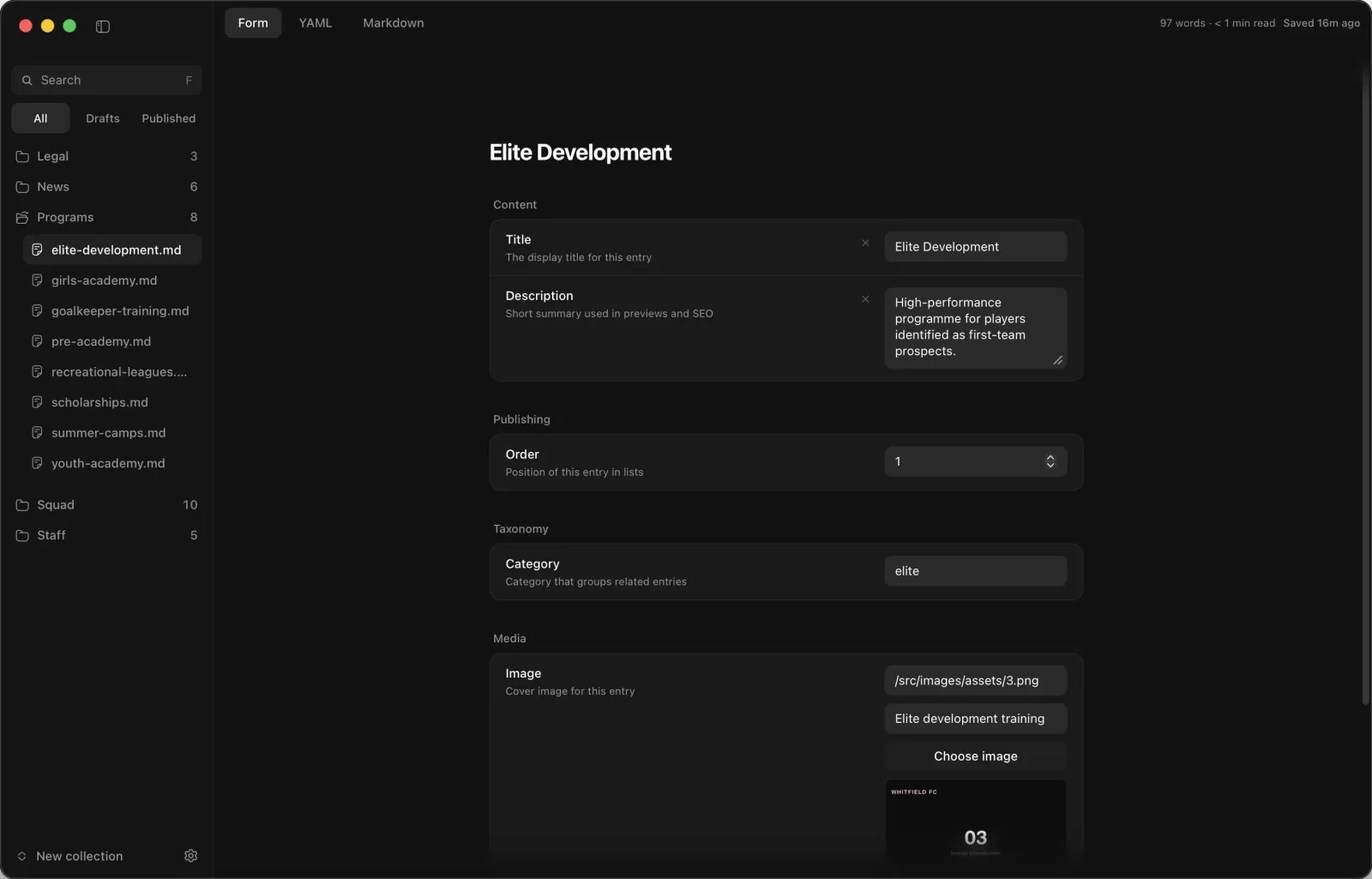
Update frontmatter with simple fields instead of hand-editing YAML, then switch to raw YAML whenever you need full control.
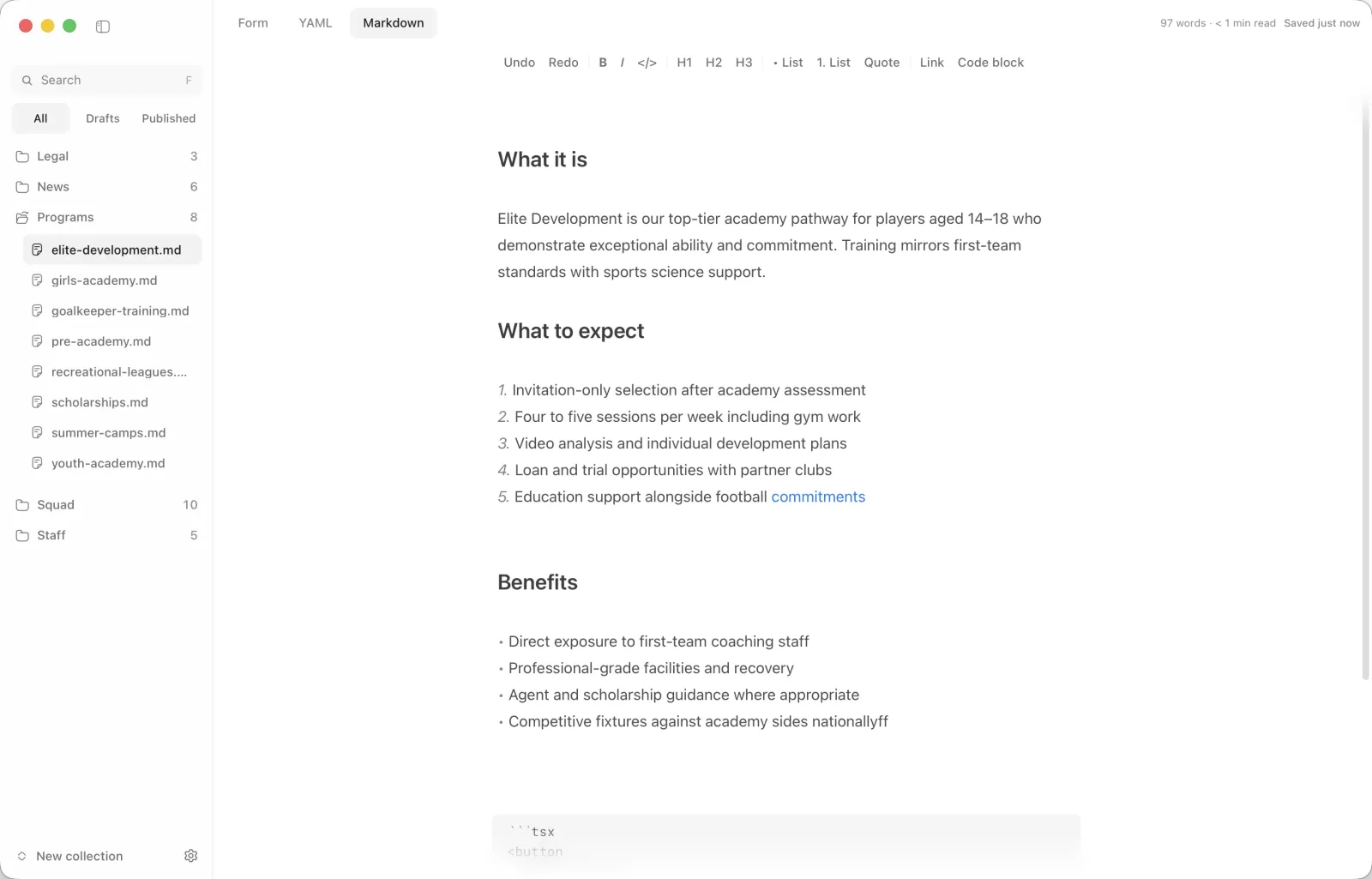
Use guided inputs for structured fields, write the body in Markdown, and drop into YAML for advanced edits, all in the same entry.
Manage content files directly from the sidebar. Create new entries, rename files, move deletes to Trash, and jump back in time with per-file history.
Changes save in the background with a clear status, required checks run before you ship, then publish with a suggested message and file list. Toasts surface issues in plain language.
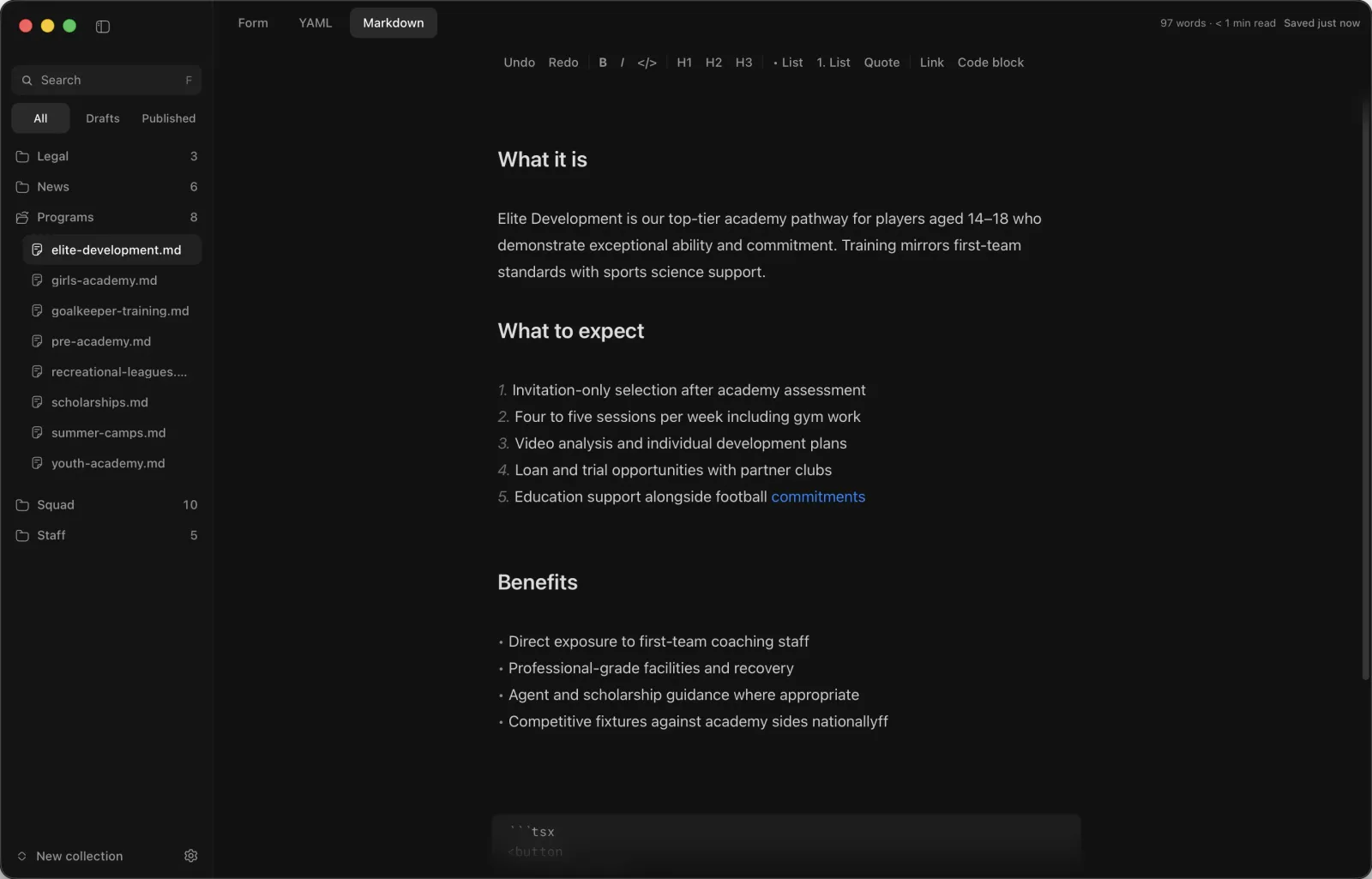
Choose light, dark, or system appearance to match your setup, or reduce eye strain during late-night editing sessions.
Pick up where you left off, close dialogs quickly, and get local preview running even when node_modules is missing.
One-time payment, plus applicable taxes.
Secure payments via Polar.sh
VisaAmexMastercardApple PayGoogle Pay
A desktop editor for Astro content: frontmatter as forms instead of hand-edited YAML, a Markdown editor with image drag-and-drop, autosave, file history, and publishing with a preflight check so you never touch the terminal. Native app for macOS, Windows and Linux, about 15 MB. See Morrisson
It is built for Astro content collections: Markdown entries with frontmatter. The forms read your collection schema, so strings, dates, booleans and nested objects show up as the right inputs, and missing required fields are flagged before you publish. Publishing goes through Git, so it fits projects that already live in a repository.
No subscription. You buy once and Polar issues your licence key, whether you bought Morrisson on its own or as part of Studio or Agency. Enter it in the app. The licence covers one person on up to two computers at a time, and updates are included.
From the Morrisson page: the .dmg for macOS (Apple Silicon), the .exe for Windows or the .AppImage for Linux. After that, Morrisson checks for updates on launch and installs them in one click.
Install it on the new computer and enter your key. If both slots are taken, Morrisson shows a Manage devices button that opens your Polar customer portal, where you can remove the old computer.

Thanks to Michael adapting Enlightr to Sanity CMS, I was able to create Madrid Landing Kit. I’m amazed by the simplicity and beauty of every Lexseats theme.
Alberto Barredo
Founder, Madrid Landing Kit